


- Understanding Your EN-EL20 Battery Architecture
- Essential Nikon EN-EL20 Battery Performance Tips
- Optimizing Camera Settings for Power Conservation
- Temperature Management Strategies
- Expanding Your Power Arsenal with Reliable Solutions
- Charging Protocol Best Practices
- Storage Considerations for Extended Dormancy
- Real-World Shooting Efficiency Techniques
- Recognizing Battery Degradation Indicators
- Frequently Asked Questions About EN-EL20 Power Management
- How Many Charge Cycles Can I Expect From My Battery?
- Should I Remove the Battery When Not Using My Camera?
- Can I Use Third-Party Batteries Safely?
- Advanced Power Management Techniques
- Maximizing Value Through Strategic Battery Investment
- Establishing Sustainable Battery Maintenance Routines
Every photographer knows the frustration of a depleted battery at the worst possible moment. Whether you're capturing the golden hour or documenting a once-in-a-lifetime event, your Nikon camera's performance hinges on optimal power management. The EN-EL20 battery, utilized in several compact Nikon models, demands strategic handling to ensure uninterrupted shooting sessions. This comprehensive guide reveals practical methodologies to enhance your battery's longevity and performance.
Understanding Your EN-EL20 Battery Architecture
The EN-EL20 lithium-ion power cell represents sophisticated engineering condensed into a compact form factor. With a nominal voltage of 7.2V and approximately 1020mAh capacity, this rechargeable unit powers cameras like the Nikon 1 series and select COOLPIX models. Comprehending the fundamental electrochemical processes occurring within this battery illuminates why certain practices dramatically impact operational duration.
Lithium-ion cells experience gradual capacity degradation through charge cycles, environmental exposure, and storage conditions. The crystalline structure within the battery undergoes microscopic changes with each discharge-recharge sequence. Temperature fluctuations accelerate these transformations, while maintaining optimal conditions preserves the battery's structural integrity considerably longer than careless handling.
Essential Nikon EN-EL20 Battery Performance Tips
Optimizing Camera Settings for Power Conservation
Screen brightness represents one of the most voracious power consumers in modern digital cameras. Reducing the LCD luminosity by 20-30% can extend shooting duration by a remarkable margin without significantly compromising image review quality. Similarly, configuring the auto-shutoff timer to activate after 30 seconds of inactivity prevents unnecessary power drainage during contemplative moments between exposures.
Image stabilization systems, while invaluable for achieving tack-sharp imagery, continuously draw current even when you're not actively photographing. Disable this feature when shooting with tripods or monopods, reserving stabilization for handheld situations where camera shake genuinely threatens image quality. The cumulative savings throughout a day's shooting session can mean dozens of additional exposures.
Temperature Management Strategies
Thermal conditions profoundly influence battery efficacy. Cold environments cause temporary capacity reduction as the electrochemical reactions slow dramatically. Keep spare batteries in interior pockets close to body warmth, rotating them strategically to maintain operational temperature. Conversely, excessive heat accelerates chemical degradation and permanent capacity loss.
Never leave batteries exposed to direct sunlight or within vehicles during summer months. The interior temperature of an enclosed automobile can exceed 140°F, inflicting irreversible damage to the delicate internal chemistry. Transport batteries in insulated compartments, utilizing thermal barriers to moderate temperature extremes during transit between locations.
Expanding Your Power Arsenal with Reliable Solutions
Maintaining multiple charged batteries transforms shooting logistics from anxiety-inducing to confidence-inspiring. The strategic acquisition of additional power cells eliminates the perpetual concern about running dry mid-assignment. However, not all aftermarket alternatives deliver equivalent performance or reliability.
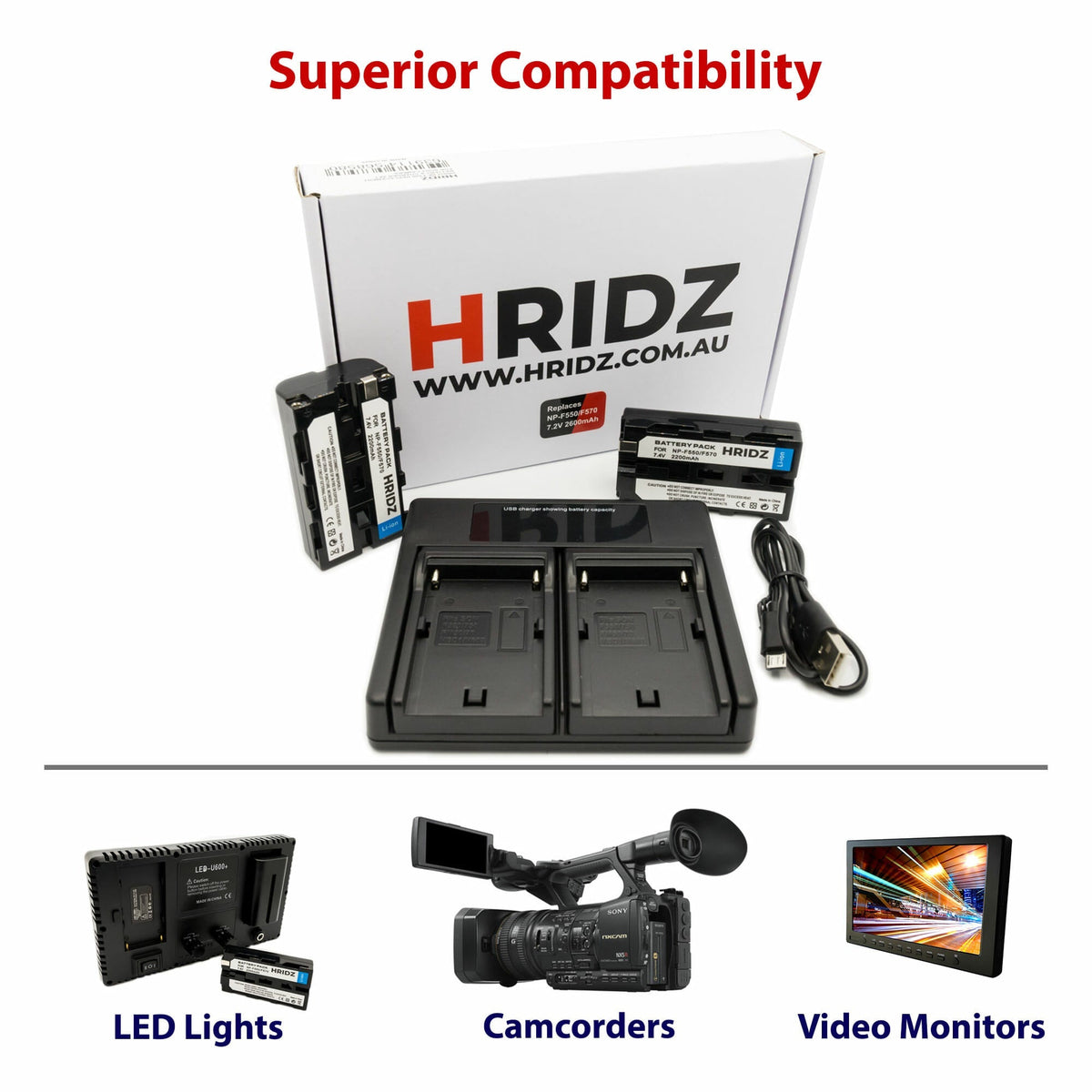
For photographers seeking dependable backup power without compromising quality, the Hridz EN-EL20 Battery 2-Pack with Dual USB Charger presents an exceptional value proposition. This comprehensive kit includes two high-capacity batteries manufactured to exacting specifications, ensuring compatibility and longevity comparable to original equipment. The accompanying dual USB charger facilitates simultaneous charging, dramatically reducing downtime between shooting sessions. This portable charging solution accepts standard USB power sources, enabling convenient replenishment from power banks, laptop computers, or automotive USB adapters during location work.
The convenience of charging two batteries concurrently while reviewing images or planning subsequent shots optimizes workflow efficiency. This preparation ensures you're perpetually ready for spontaneous photographic opportunities, whether documenting wildlife behavior or capturing candid moments at social gatherings.
Charging Protocol Best Practices
Proper charging methodology significantly extends battery service life. Avoid depleting batteries to absolute zero before recharging; lithium-ion chemistry performs optimally when cycled between 20% and 80% capacity. Complete discharge cycles actually stress the internal structure, accelerating degradation rather than preserving capacity as conventional wisdom once suggested for older battery technologies.
Utilize quality charging equipment designed specifically for EN-EL20 cells. Incompatible chargers delivering incorrect voltage or amperage can permanently compromise battery performance or create safety hazards. Always monitor charging sessions, disconnecting batteries once fully replenished rather than leaving them connected indefinitely. Modern chargers incorporate safeguards against overcharging, yet mindful practices reinforce longevity.
Storage Considerations for Extended Dormancy
When anticipating prolonged periods without camera usage, implement proper storage protocols to minimize capacity loss. Maintain batteries at approximately 40-50% charge rather than full capacity or complete depletion. This intermediate charge level reduces stress on the internal chemistry during dormancy, preserving more original capacity for future activation.
Store batteries in cool, dry environments away from metallic objects that might create short circuits. Specialized battery cases with individual compartments prevent accidental contact between terminals. Inspect stored batteries quarterly, topping off charge levels if they've drifted below 30% to prevent deep discharge damage.
Real-World Shooting Efficiency Techniques
Thoughtful shooting methodology conserves power without sacrificing creative expression. Minimize excessive image review; resist the compulsion to scrutinize every frame immediately after capture. Instead, conduct periodic reviews at natural breaks in the action, evaluating multiple images simultaneously rather than individually after each shutter activation.
Disable wireless connectivity features unless actively transferring files. Wi-Fi and Bluetooth modules continuously search for connections, draining power even when not transmitting data. Activate these functions only when needed, then immediately deactivate them upon completion.
Professional videographers understand that continuous recording decimates battery reserves faster than intermittent still photography. Plan video sessions with multiple charged batteries, calculating approximate recording duration based on your camera's specifications and real-world testing results.
Recognizing Battery Degradation Indicators
Monitoring performance changes helps identify when replacement becomes necessary. Rapidly declining charge capacity, where a supposedly full battery depletes within a fraction of normal shooting duration, signals chemical degradation. Similarly, batteries that feel abnormally warm during charging or operation may be developing internal resistance issues.
Swelling or physical deformation represents a critical safety concern requiring immediate battery retirement. Never continue using batteries exhibiting these symptoms, as they pose fire risks and potential equipment damage. Properly recycle degraded batteries through authorized collection programs rather than discarding them with household waste.
Frequently Asked Questions About EN-EL20 Power Management
How Many Charge Cycles Can I Expect From My Battery?
Quality EN-EL20 batteries typically deliver 300-500 full charge cycles before experiencing noticeable capacity reduction. Partial discharge cycles count proportionally; two 50% discharges equal one full cycle. Adhering to proper charging and storage protocols can extend this operational lifespan considerably beyond minimum specifications.
Should I Remove the Battery When Not Using My Camera?
For daily usage patterns where you photograph at least weekly, leaving the battery installed poses minimal concern. However, for storage durations exceeding two weeks, removing the battery prevents parasitic drain from the camera's internal systems. Even powered-off cameras draw minute current to maintain settings and real-time clock functions.
Can I Use Third-Party Batteries Safely?
Reputable manufacturers producing EN-EL20 compatible batteries employ similar quality control standards as original equipment. Verify that alternatives feature integrated safety circuits preventing overcharge, over-discharge, and short-circuit conditions. Reading verified user reviews provides insight into real-world reliability and longevity performance.
Advanced Power Management Techniques
Experienced photographers develop personalized power conservation strategies aligned with their shooting styles. Documentary photographers working extended events maintain a rotation system, swapping batteries before complete depletion to ensure consistent performance. This approach prevents missing critical moments during battery changes.
Landscape photographers utilizing long exposures and time-lapse sequences benefit from external power solutions when available. Some cameras accept AC adapters or battery grips accommodating multiple cells for extended operation. Evaluate whether your shooting requirements justify these supplementary power options.
| Power Conservation Technique | Estimated Battery Extension | Implementation Difficulty |
|---|---|---|
| Reduce LCD Brightness | 15-20% | Easy |
| Disable Image Stabilization | 10-15% | Easy |
| Minimize Image Review | 20-25% | Moderate |
| Deactivate Wireless Functions | 8-12% | Easy |
| Optimize Auto-Shutoff Timer | 5-10% | Easy |
Maximizing Value Through Strategic Battery Investment
Building a comprehensive battery ecosystem requires balancing cost considerations against reliability requirements. While original equipment batteries command premium pricing, they guarantee compatibility and performance. However, quality third-party alternatives from established manufacturers deliver comparable results at substantially reduced investment.
Calculate your typical shooting duration and multiply by a safety factor of 1.5 to determine appropriate battery quantity. Wedding photographers might require four or five batteries for all-day coverage, while casual enthusiasts find two or three sufficient. Distributing batteries across multiple camera bags ensures you're never without backup power regardless of which equipment you grab.
The photography equipment available at Hridz.com.au caters specifically to professionals and enthusiasts demanding reliability without excessive expenditure. Beyond power solutions, comprehensive offerings include lighting modifiers, audio equipment, and support gear enabling creative expression across multiple disciplines.
Establishing Sustainable Battery Maintenance Routines
Incorporating battery care into regular equipment maintenance workflows prevents degradation and extends operational lifespan. Monthly conditioning cycles, where batteries discharge to 20% then recharge to full capacity, help calibrate the internal monitoring circuits providing accurate charge level readings.
Clean battery contacts quarterly using isopropyl alcohol and lint-free cloths. Oxidation and debris accumulation increase electrical resistance, reducing power transfer efficiency. Inspect contacts for corrosion or damage, replacing batteries exhibiting significant deterioration.
Document battery purchase dates and track approximate charge cycles to anticipate replacement timing proactively. This foresight prevents unexpected failures during critical assignments, maintaining professional reliability standards your clients expect.
Implementing these comprehensive strategies transforms battery management from reactive problem-solving to proactive performance optimization. Your Nikon camera becomes a dependable creative tool rather than a source of technical anxiety, freeing mental energy for artistic considerations rather than power concerns.







Share:
HIFI Wired IEM Earphones: Studio Monitoring for Musicians
HIFI Wired IEM Earphones: Studio Monitoring for Musicians