

- Understanding Signal Types and Their Cable Requirements
- XLR Cables: The Professional Standard
- Selecting the Appropriate XLR Cable Length
- TRS and TS Cables for Instruments and Line-Level Connections
- Deciphering Auxiliary and RCA Connections
- Specialized Cable Types for Specific Applications
- Digital Audio Cables
- Patch Cables for Modular Systems
- Cable Construction Quality and Material Considerations
- Matching Cables to Your Equipment Ecosystem
- Common Pitfalls and How to Avoid Them
- When to Replace Your Audio Cables
- Building Your Cable Collection Strategically
- Frequently Asked Questions About Audio Cable Selection
- Do expensive cables genuinely improve audio quality?
- Can I use speaker cables for instrument connections?
- How do environmental factors affect cable performance?
Navigating the labyrinthine world of audio connectivity can prove daunting for professionals and enthusiasts alike. Whether you're orchestrating a live DJ set, capturing pristine dialogue for video production, or engineering the perfect karaoke experience, the cables you select fundamentally influence signal integrity and overall sonic performance. This comprehensive audio cable guide demystifies the selection process, empowering you to make informed decisions that elevate your craft.
Understanding Signal Types and Their Cable Requirements
Audio signals traverse cables in fundamentally different formats, each demanding specific conductor configurations and shielding methodologies. Analog signals represent sound as continuous electrical waveforms, requiring cables that maintain signal purity across varying distances. Digital signals, conversely, transmit audio as binary data packets, necessitating impedance-matched pathways to prevent jitter and data corruption.
Balanced connections utilize three conductors—positive, negative, and ground—to reject electromagnetic interference through phase cancellation. Unbalanced configurations employ two conductors and prove susceptible to noise pickup over extended cable runs. Understanding this dichotomy forms the foundation of intelligent cable selection for your particular application.
XLR Cables: The Professional Standard
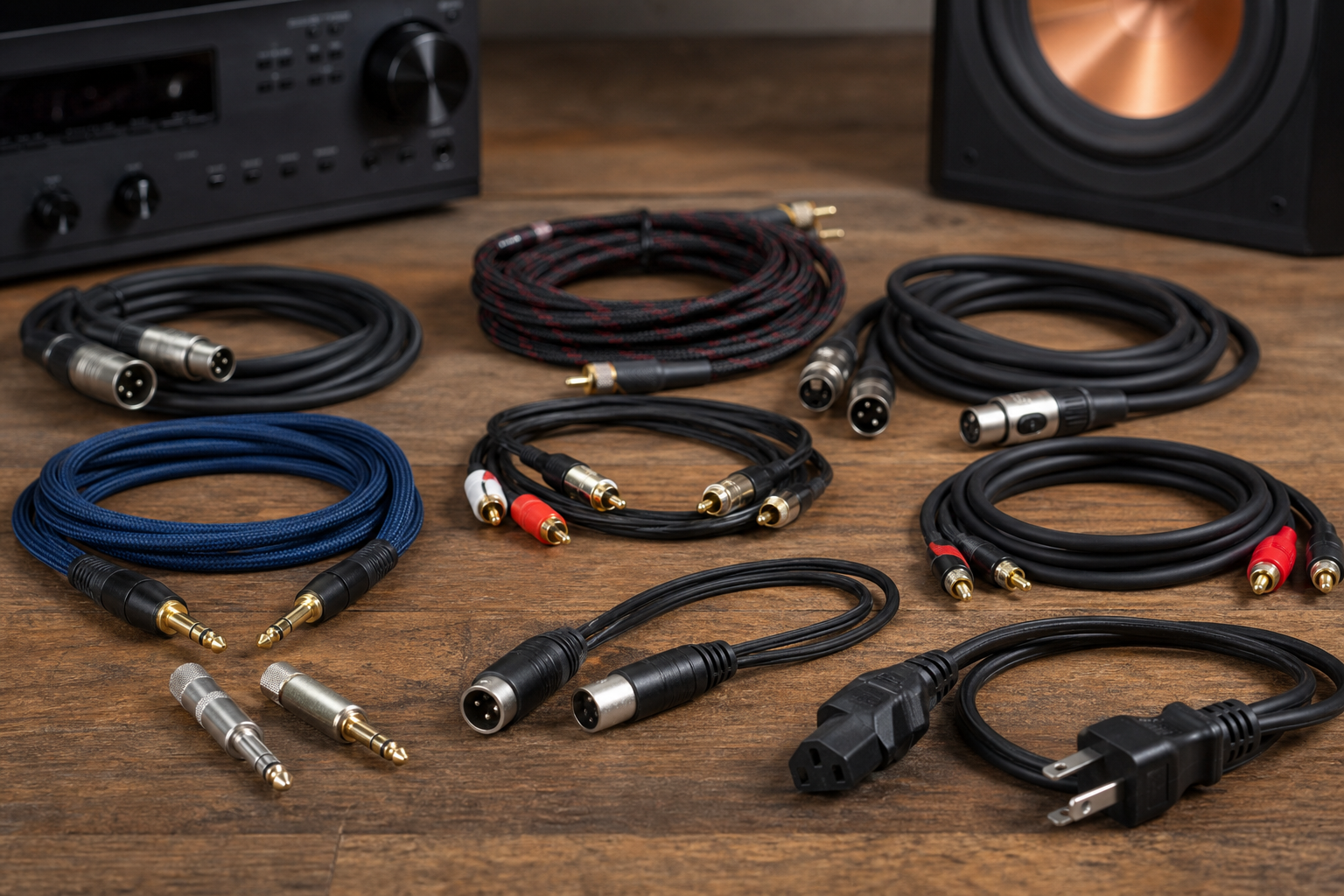
XLR connectors reign supreme in professional audio environments, offering robust mechanical locking mechanisms and superior noise rejection capabilities. The three-pin configuration delivers balanced audio signals that remain pristine even in electrically hostile environments saturated with RF interference and electromagnetic radiation.
Photographers capturing wedding vows and videographers documenting corporate presentations rely on XLR cables to connect shotgun microphones and wireless receivers to recording devices. Musicians appreciate the standardized pinout configuration that ensures universal compatibility across mixing consoles, powered speakers, and studio interfaces. The durability of these connections withstands the rigors of repeated setup and teardown cycles inherent in location-based work.
Selecting the Appropriate XLR Cable Length
Cable length directly impacts both signal integrity and workspace ergonomics. Three to ten-foot cables suit stationary studio applications where equipment remains in fixed positions. Fifteen to twenty-five-foot variants accommodate stage performances and location shoots requiring mobility without excessive slack. Exceeding fifty feet may necessitate cables with enhanced shielding density or inline signal boosters to maintain optimal fidelity.
TRS and TS Cables for Instruments and Line-Level Connections
Tip-Ring-Sleeve (TRS) and Tip-Sleeve (TS) quarter-inch cables serve distinct purposes within audio ecosystems. TS cables, colloquially termed "instrument cables," transmit unbalanced signals from guitars, basses, and synthesizers to amplifiers and direct injection boxes. The inherent impedance characteristics match high-impedance instrument pickups, preserving tonal nuances and harmonic complexity.
TRS cables facilitate balanced connections between professional audio gear, including effects processors, headphone amplifiers, and studio monitors. Karaoke enthusiasts connecting microphones to mixers benefit from the noise rejection properties when operating in venues with abundant lighting controllers and wireless network infrastructure.
The cable connecting your microphone to your audio interface isn't merely a conduit—it's a guardian of signal integrity, defending your captured audio against the electromagnetic chaos of the modern performance environment.
Deciphering Auxiliary and RCA Connections
Consumer audio equipment frequently employs 3.5mm auxiliary cables and RCA phono connectors for stereo connectivity. DJs integrating smartphones or laptop computers into their mixing setups utilize auxiliary cables to route backing tracks and curated playlists. The compact form factor proves advantageous in cramped booth environments where space commands premium value.
RCA cables, identifiable by their color-coded red and white connectors, establish connections between turntables, CD players, and mixing consoles. Videographers appreciate the ubiquity of RCA outputs on legacy camera equipment and field recorders, enabling integration with modern digital workflows through appropriate adapters and converters.
Specialized Cable Types for Specific Applications
Beyond the ubiquitous connector types, specialized cables address niche requirements within professional workflows. Speaker cables, constructed with larger gauge conductors and minimal shielding, efficiently transmit high-current amplified signals to passive loudspeakers without introducing signal degradation.
Digital Audio Cables
S/PDIF (Sony/Philips Digital Interface) cables transmit uncompressed digital audio via coaxial or optical pathways. Optical variants, employing TOSLINK connectors, prove immune to ground loop hum and electromagnetic interference—ideal attributes for musicians operating in electrically complex home studio environments.
Patch Cables for Modular Systems
Musicians exploring modular synthesis and electronic music production require compact patch cables to interconnect synthesis modules within Eurorack systems. These diminutive cables, typically employing 3.5mm mono connectors, facilitate signal routing in densely populated equipment racks where conventional cables would prove unwieldy.
Cable Construction Quality and Material Considerations
Internal conductor composition significantly influences both signal transmission characteristics and cable longevity. Oxygen-free copper (OFC) conductors minimize resistance and signal attenuation, particularly beneficial for extended cable runs exceeding twenty-five feet. Silver-plated copper variants further reduce skin effect at high frequencies, though the perceptible benefits remain subject to ongoing audiophile discourse.
Shielding architecture determines a cable's resilience against radio frequency interference and electromagnetic contamination. Braided shields offer superior flexibility and coverage percentages approaching ninety-five percent. Spiral shields reduce handling noise—a critical consideration for lavalier microphones and body-worn wireless transmitters utilized by videographers documenting run-and-gun documentary content.
| Cable Type | Primary Application | Signal Type | Connector Configuration |
|---|---|---|---|
| XLR | Microphones, Professional Audio | Balanced | 3-Pin Circular |
| TRS | Headphones, Balanced Line | Balanced/Stereo | 1/4" Three-Conductor |
| TS | Instruments, Unbalanced Line | Unbalanced | 1/4" Two-Conductor |
| RCA | Consumer Audio, Turntables | Unbalanced | Phono Plug |
Matching Cables to Your Equipment Ecosystem
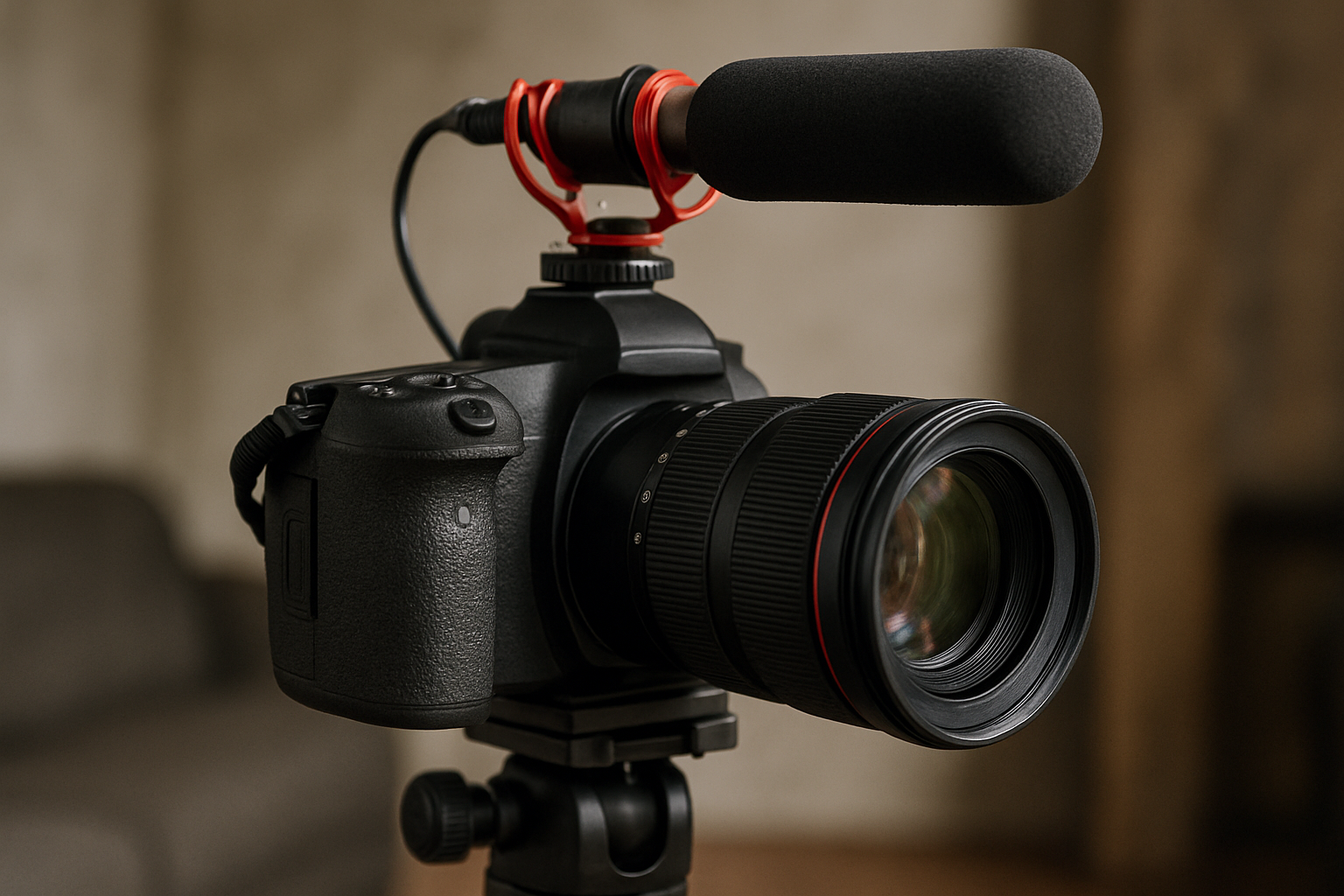
Photographers investing in on-camera microphones should prioritize cables compatible with their camera's input configuration—typically 3.5mm TRS for prosumer cameras or XLR for professional cinema equipment. Videographers constructing multi-camera interview setups benefit from standardizing on XLR infrastructure throughout their audio chain, simplifying troubleshooting and equipment interchangeability.
DJs transitioning between venues encounter diverse mixer input configurations, necessitating a versatile cable arsenal. Maintaining inventory of both XLR-to-XLR and XLR-to-TRS cables ensures compatibility with unfamiliar house systems. Musicians rehearsing in shared spaces appreciate the universal acceptance of quarter-inch instrument cables across vintage and contemporary amplification equipment.
Common Pitfalls and How to Avoid Them
Investing in premium equipment while connecting it through bargain-bin cables represents false economy. Karaoke singers experiencing intermittent crackling and dropouts frequently discover that replacing corroded connectors and degraded shielding resolves persistent audio gremlins more effectively than purchasing upgraded microphones.
Cable organization prevents physical damage and extends operational lifespan. Employing over-under coiling techniques rather than wrapping cables around elbows prevents conductor twisting and premature failure. Videographers can attest to the field reliability improvements achieved through proper cable management protocols during location shoots.
When to Replace Your Audio Cables
Intermittent connections, audible crackling during cable manipulation, and visible connector corrosion signal the need for replacement. Professional users should audit cable inventory semi-annually, retiring compromised units before they fail during critical performances or productions. The modest investment in fresh cables pales against the reputational damage from technical failures during client deliverables.
Building Your Cable Collection Strategically
Rather than accumulating cables haphazardly, construct your inventory methodically based on actual workflow requirements. Begin with fundamental connections—XLR cables for microphones, instrument cables for guitars, and appropriate interface cables for your primary recording or amplification equipment.
Expand your collection incrementally as your setup evolves. Photographers adding external recorders to their toolkit require cables matching the recorder's input specifications. Musicians incorporating hardware synthesizers need MIDI cables and appropriate audio connections to integrate with existing production environments.
- Establish a baseline cable inventory matching your current equipment configuration
- Purchase redundant cables for mission-critical connections to ensure backup availability
- Invest in varied lengths to accommodate different spatial arrangements and venue requirements
- Label cables clearly to expedite setup and prevent configuration errors
- Store cables properly using velcro ties or cable organizers to prevent tangling and damage
Frequently Asked Questions About Audio Cable Selection
Do expensive cables genuinely improve audio quality?
Beyond fundamental construction standards, diminishing returns characterize cable pricing. Mid-tier cables from reputable manufacturers deliver performance indistinguishable from exotic variants costing multiples more. Prioritize proper shielding, quality connectors, and appropriate cable types over esoteric conductor materials.
Can I use speaker cables for instrument connections?
Never substitute speaker cables for instrument cables. Speaker cables lack the shielding necessary for low-level instrument signals, resulting in catastrophic noise pickup. The reverse substitution—using instrument cables for speaker connections—risks cable failure due to inadequate current-handling capacity.
How do environmental factors affect cable performance?
Temperature extremes compromise cable jacket flexibility and accelerate conductor oxidation. Outdoor performances and location shoots subject cables to UV exposure, moisture, and mechanical stress. Select cables rated for environmental exposure when operating beyond climate-controlled environments, and dry thoroughly before storage to prevent corrosion.
Selecting appropriate audio cables transforms from mystifying challenge to straightforward decision-making when armed with foundational knowledge. By matching cable specifications to signal requirements, investing in quality construction, and maintaining your cable inventory conscientiously, you establish the reliable connectivity foundation upon which exceptional audio experiences are built. Whether capturing once-in-a-lifetime moments through your lens or energizing audiences through musical performance, the humble cable ensures your creative vision reaches its destination uncorrupted and uncompromised.






Share:
Flash Sales Photography Gear: Limited Time Deals You Can't Miss
Heavy Duty Light Stands: Why Stainless Steel Wins Every Time